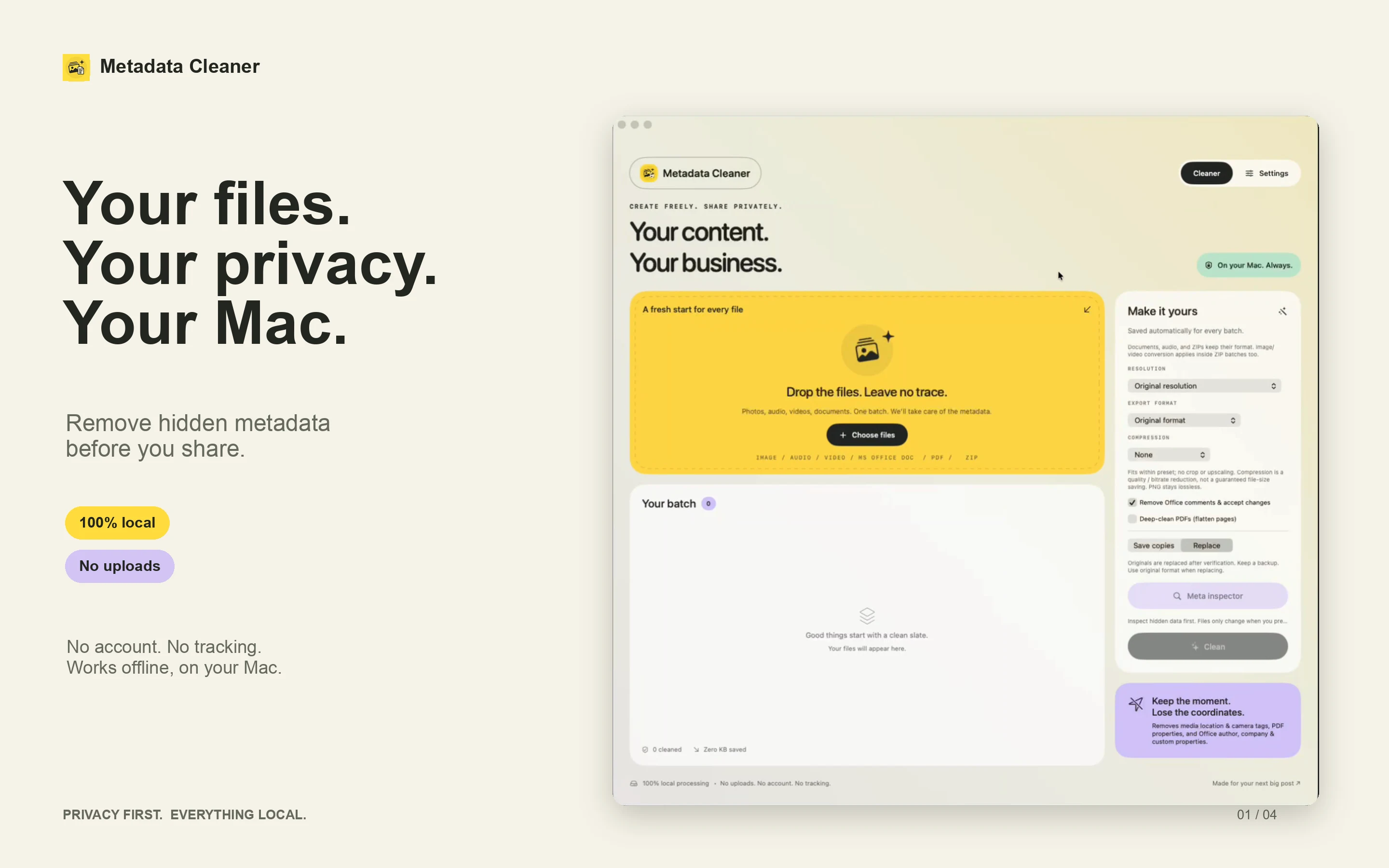
Made for creators, photographers, freelancers and anyone who wants more control over the details they share.
No uploads.
Your content stays on your Mac throughout the process.
No cloud.
Clean supported files offline, on your own device.
No account.
No analytics or tracking. Just your files and your Mac.
01 / BUILT FOR YOUR FILES
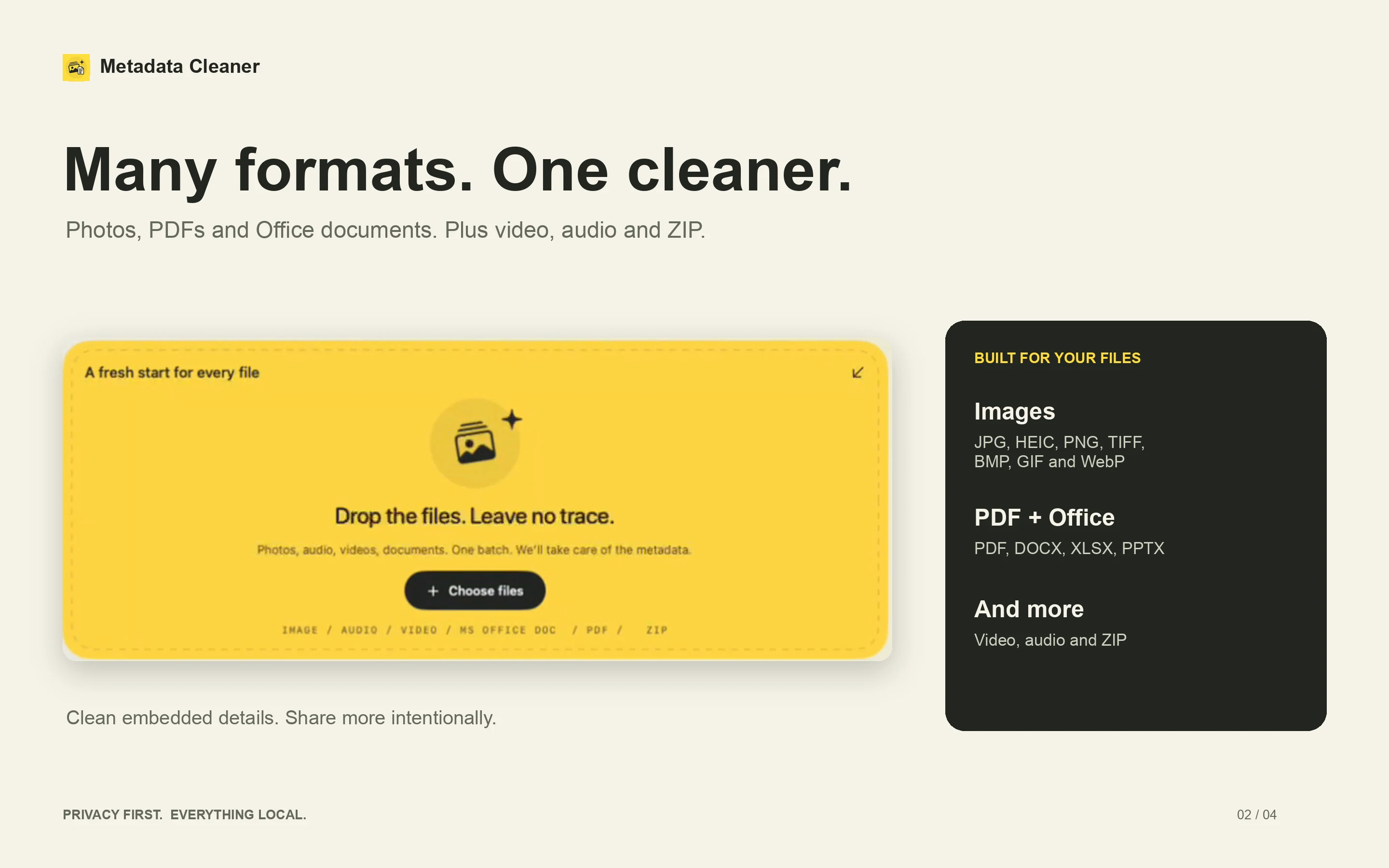
Many formats. One cleaner.
Clear embedded details from photos, documents and media before they leave your Mac.
PHOTOS AND IMAGES
Your photos. Less baggage.
Remove source EXIF, GPS, camera, IPTC and XMP metadata from supported images.
JPG / JPEG · HEIC · PNG · TIFF · BMP · GIF · WebP
Default original-format GIF and WebP cleaning preserves animation frames and timing. Images may be re-encoded.
PDF DOCUMENTS
Keep the page. Clear its past.
Remove original PDF properties and XMP metadata, plus author and modification-date values from annotations. Standard cleaning keeps page appearance, text, internal links and bookmarks.
Optional deep cleaning creates flattened image pages to remove hidden layers, objects and comments. Selectable text and links are lost in this mode.
WORD, EXCEL AND POWERPOINT
The work is yours to share.
Clean DOCX, XLSX and PPTX properties, including author, last editor, company, manager, custom properties and thumbnails.
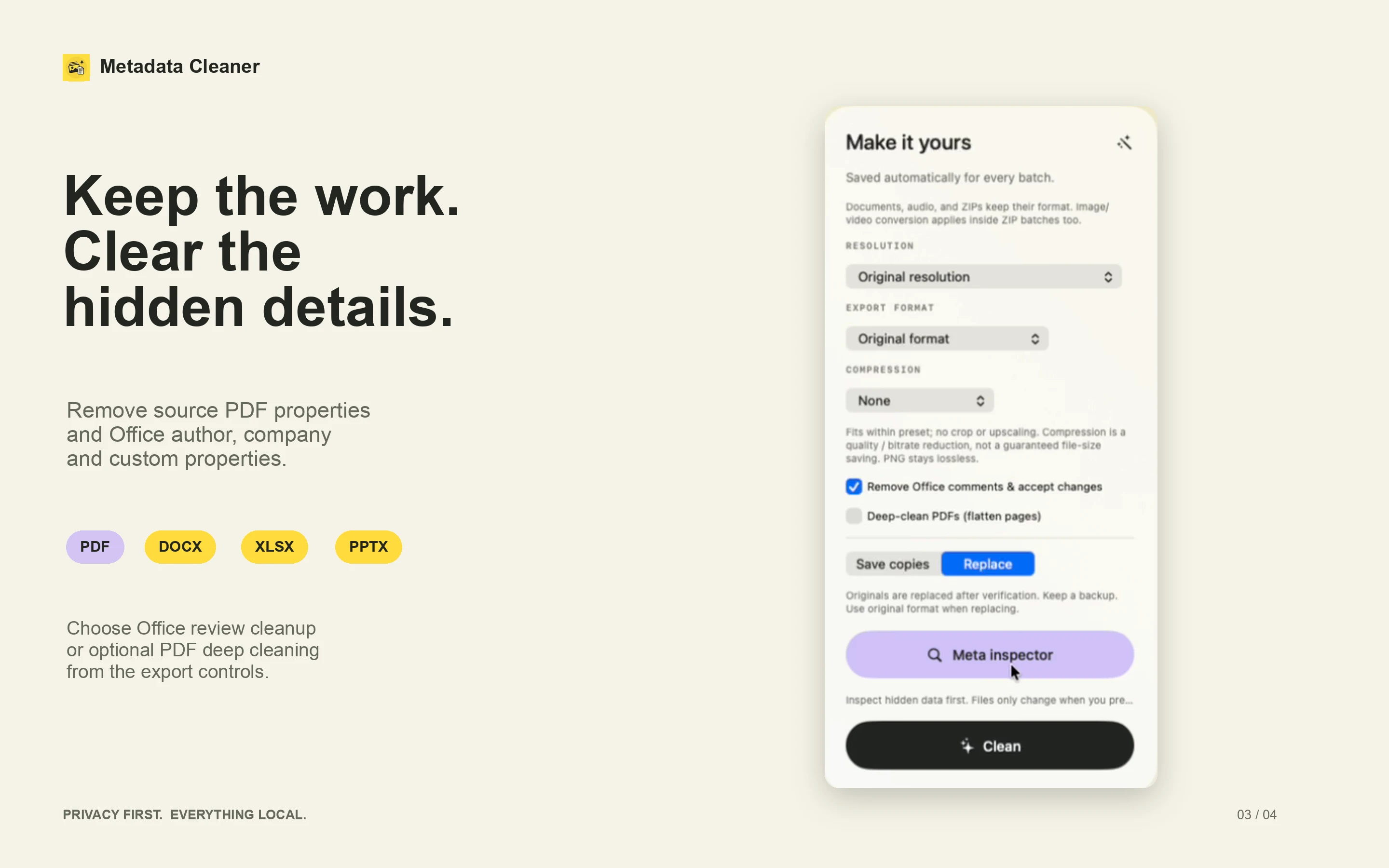
Optional review cleanup removes comments and supported revision history while keeping current content. Turn it off for properties-only cleaning.
VIDEO, AUDIO AND ZIP
Bring the whole batch.
Clean metadata from supported video and audio files, process supported files inside ZIP archives and export successful files together.
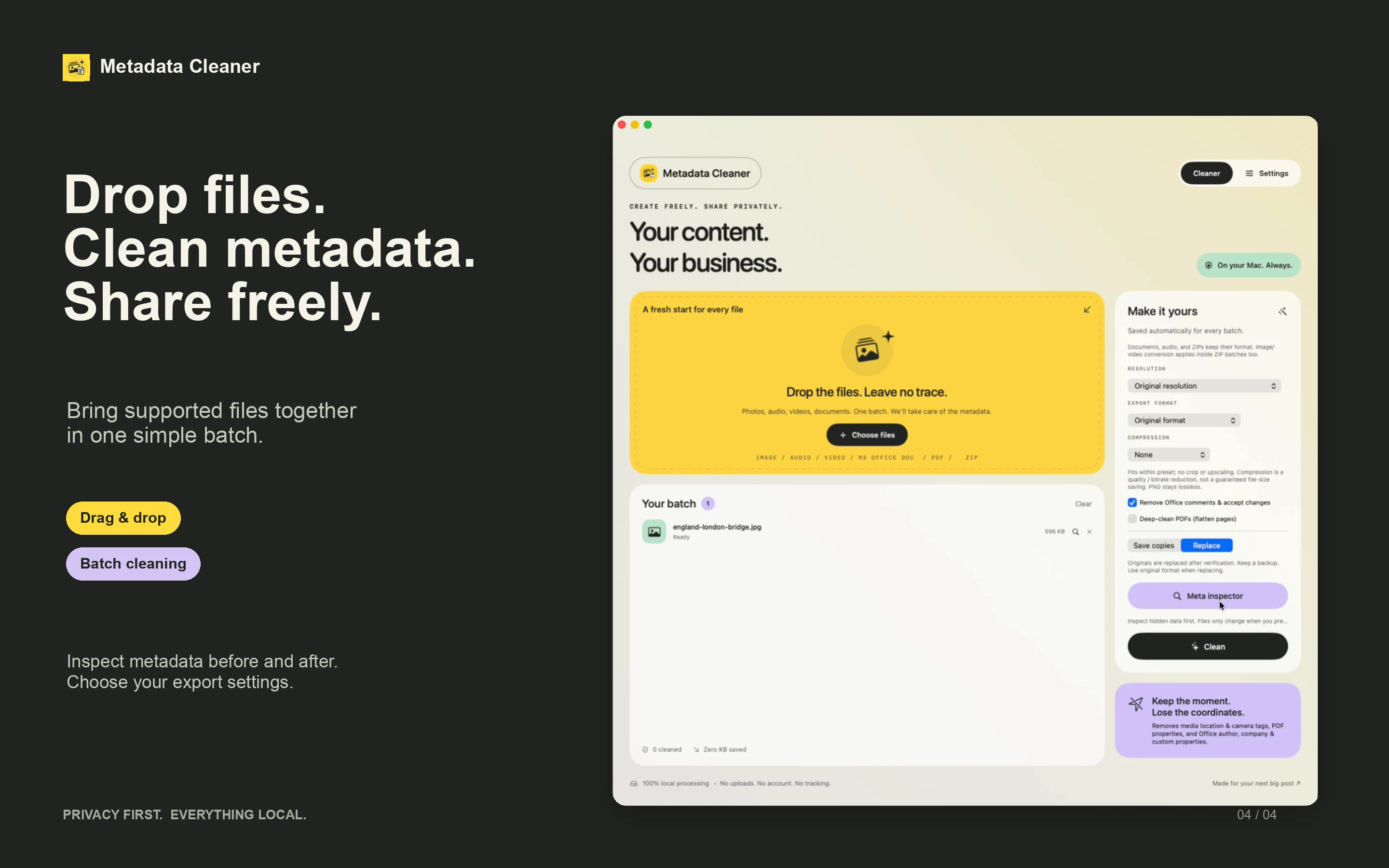
One file or a whole batch. Inspect what’s inside and choose how your cleaned copies leave.
1
Bring your files
Drag and drop files, choose multiple items or open them from Finder.
2
Inspect and clean
Inspect embedded metadata before and after cleaning. Choose original-format exports or optional image and video conversion.
3
Save your way
Save cleaned copies, or choose verified replacement of originals. Keep a backup and review your results.
03 / YOUR EXPORT PREFERENCES
Keep the work. Clear the hidden details.
Adjust media resolution and compression when needed. Keep your export preferences ready for the next batch.
PRIVATE BY DESIGN
Your files don’t need a round trip.
No uploads. No cloud processing. No account. No analytics or tracking. Clean your files offline, with your content staying on your Mac throughout the process.
Metadata cleaning does not redact visible content, remove identifying details inside embedded files, or change filenames and filesystem attributes. Technical fields required by a format may remain or be newly generated. Review cleaned files before sharing.
Which documents are not supported?
Legacy DOC/XLS/PPT, macro-enabled Office files and protected or signed documents are not supported. PDFs with forms or attachments are not supported.
Should I use standard or deep PDF cleaning?
Standard cleaning keeps page appearance, text, internal links and bookmarks, but can change advanced document features. Optional deep cleaning flattens pages into images to remove hidden layers, objects and comments. Selectable text and links are lost in deep cleaning mode.
Can I keep my original files?
Yes. Save cleaned copies, or choose verified replacement of originals. Keep backups before replacing originals and check the results before sharing.
What do I need to run Metadata Cleaner?
A Mac running macOS 14 or later. File processing works offline, with no account required.
YOUR NEXT SHARE. A LITTLE MORE PRIVATE.
Create freely. Share intentionally.
Metadata Cleaner for Mac · Requires macOS 14 or later.